
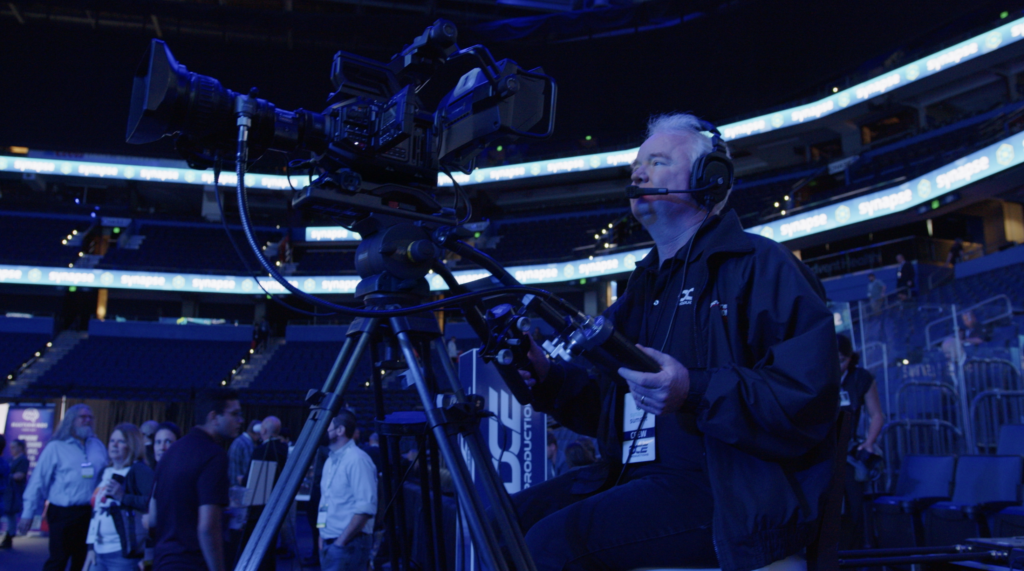
A stable event stream rests on three things:
- The network must have enough dedicated upload speed.
- Every layer needs a backup path. And the full chain must be tested under load before doors open.
- Streams fail most often at the network, not the camera.
Most stream faults trace back to choices made long before show day.
This guide covers what an event streaming setup needs, what to test, and where streams break down.
Start With the Network, Not the Camera
The network is the most common point of failure in any event streaming setup. Unmanaged venue Wi-Fi is rarely reliable for a live stream. A stream needs a wired, dedicated network connection with real headroom above the target bitrate. Get the network right and most other problems shrink.
What internet speed is needed for event streaming? Your bitrate is the amount of data the stream pushes each second. iStudios Media’s connectivity audit sets out a 3x Rule. Secure a symmetric upload speed at least three times your target bitrate. A 6 Mbps stream needs 18 Mbps of upload.
Real numbers help when you write the ask. Technical Elements’ 2026 streaming guide advises a floor of 20 to 25 Mbps upload for a 1080p stream with redundancy. That path must be dedicated to production only – not to be shared with your attendees or other hosts for wifi access.
A shared line is not a production line. iStudios Media also calls for VLAN isolation. That means a walled-off lane on the venue network, kept apart from guest traffic. Shared Wi-Fi adds jitter, or uneven data timing, which can drop a stream mid-show.
Build Redundancy Into Every Layer
Redundancy means every critical path has a backup that takes over on its own. A single encoder, a single line, or a single recording each form one point of failure. A strong event streaming setup runs two of each and swaps between them unnoticed.
An encoder is the box or software that turns your camera feed into a stream. Each one needs a backup, not just a spare in a case. Kuu Miyazaki, a Specialized Technical Account Manager at AWS with years in video streaming, put the principle plainly in the AWS Media blog: “In order to deliver broadcast-grade resilience, it’s essential to have redundant contribution encoders so live event viewing won’t be affected even if one of the encoders fails.”
Hardware encoders hold up better than software-only solutions. 2Stream’s guide to corporate livestreaming notes that consumer software encoders are not fit for events where uptime matters. Hardware units are more stable and easier to monitor in real time.
Bonded cellular covers the network layer. A bonded unit ties several carrier connections into one path. If the venue connection drops, the stream keeps moving. 2Stream lists bonded cellular and auto failover as core parts of a pro build.
Always record a clean local copy. If the live feed fails, a local file lets you post the session later.
Test the Full Chain Before Doors Open
Testing an event streaming setup is not a camera check. It means running the full signal chain, from camera to encoder to platform to a viewer watching the stream over the internet, just like your viewers would. Someone must also watch stream health during the event, not just at the start.
Test what a remote viewer will actually see. Pull up the stream on a device outside the venue network. Check the audio level and sync, and how slides read on a laptop screen.
Assign someone to watch the stream all the way through. 2Stream points out that signal monitoring means tracking stream health, bitrate, and latency throughout the event. A stream that looks fine at the top of the hour can degrade due to a variety of factors, both within and outside of your control at the venue.
Run remote speakers through a full tech check. They bring their own network, their own audio, and their own lighting. Each one is a risk you do not control.
Multi-venue programs raise the stakes on every layer above. DCE Productions produced Tampa General Hospital’s Innovation Week across Tampa and St. Pete, where the virtual track drew 1,066 remote attendees across 62 events. At that spread, the hybrid layer needs its own design rather than a feed bolted onto the room.
FAQ’s
What internet speed is needed for event streaming? Ask for at least three times your target bitrate in headroom. A 6 Mbps stream needs 18 Mbps of upload. For 1080p with a backup path, plan on 20 to 25 Mbps. That line must be wired and used for production only.
Can I just use the venue Wi-Fi for a livestream? No. Shared Wi-Fi adds jitter and packet loss that can drop a stream mid-show. Ask venue IT for a wired line with VLAN isolation, so other traffic cannot crowd your bandwidth. Get it in writing before show day.
How do I prevent a corporate event livestream from failing? Back up every layer. Ask your production partner what backs up the encoder, the network, and the recording. A strong answer names the gear and explains how failover works. A vague answer means the risk sits with you.
How do I know the stream is holding up during the event? Assign someone to watch the live feed on an outside network or over cellular data for the full event. What looks clean at the encoder can still have faults at the viewer’s end.
Internal Sources
- DCE Productions Live Streaming
- DCE Productions — A Week of Innovation and Connection: Executing TGH’s Innovation Week 2026
- DCE Productions ProVirtual Experience
Sources
- iStudios Media — Corporate Livestream Connectivity: The 5-Point Technical Audit
- Technical Elements — How to Live Stream Your Corporate Event in 2026
- AWS Media Blog — A Deep Dive Into Output Locking in AWS Elemental Live
- 2Stream — Professional Livestreaming for Corporate Events and Conferences