
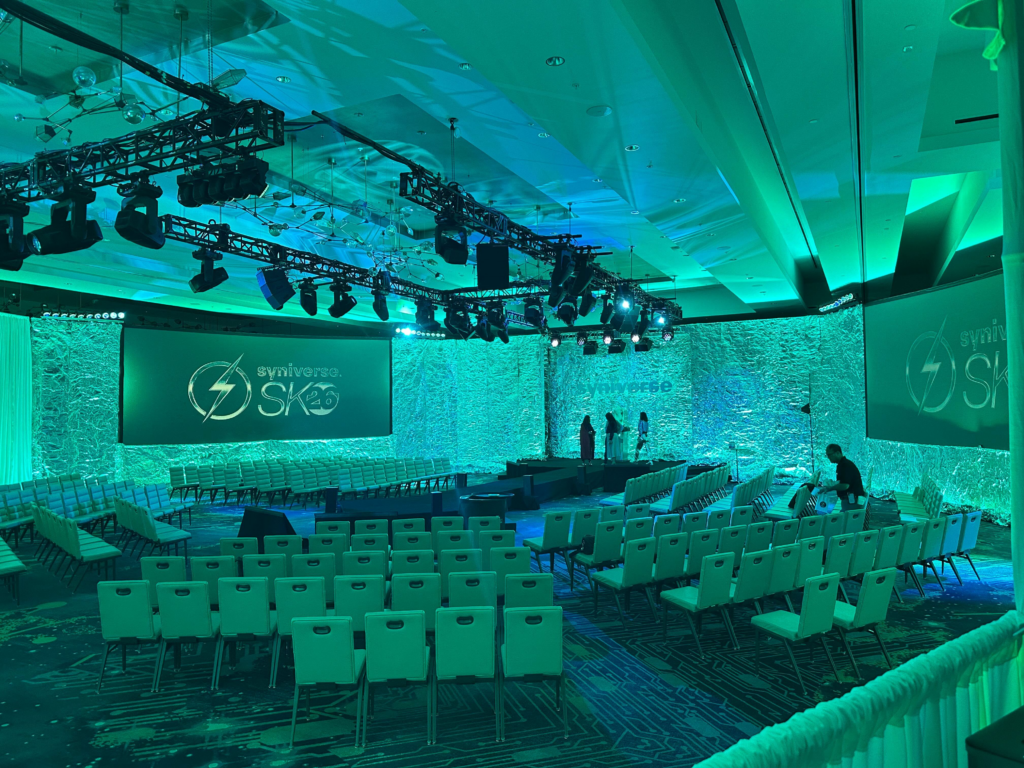
Why do multi-day conferences run smoothly on day one and start breaking down by day three?
Multi-day conference production depends on three systems working together. Room allocation must match every space to its specific program. Meanwhile, crew scheduling must sustain performance across every show day. Additionally, run-of-show documentation must stay detailed enough to prevent improvisation. Conference failures rarely start on day one. Instead, they surface once opening-day energy fades and fatigue sets in.
This post breaks down each system as part of a complete approach to multi-day conference planning. According to Bizzabo’s 2026 State of Events Benchmark Report, 78% of event organizers identified in-person conferences as their organization’s most impactful marketing channel. So that impact depends entirely on execution holding steady from day one through the final session. The distinct advantage for planners: understanding how these three systems interact prevents the exact failures that surface predictably by day two or three.
Room Allocation Across Multiple Days and Concurrent Programming
Room allocation means assigning audio, video, and staffing resources to match each space’s specific program — not treating every room identically. General sessions, breakout rooms, and networking spaces each carry distinct technical demands. Multi-day formats add complexity because room usage frequently changes from one day to the next.
A breakout room is not a smaller general session. Instead, each breakout functions as its own audio zone. So each requires its own display environment and staffing assignment. Furthermore, a room that hosts a hands-on workshop on day one may host a panel discussion on day two. That shift often demands a different microphone configuration and a different staging layout entirely.
Multi-day programs require a master technical rider that accounts for daily room changes — not a single static plan. Additionally, the rider should specify which rooms convert between formats and when those conversions happen. So at DCE Productions, the technical rider tracks room-by-room changes across the full conference schedule. That document becomes the reference point every operator uses each morning.
Networking and expo spaces carry their own technical requirements that shift throughout a multi-day event. However, ambient audio during a reception differs entirely from the audio needs of a sponsored activation. So, planners who treat these spaces as an afterthought often discover gaps only once attendees are already in the room.
Building a Run-of-Show That Holds Across Multiple Show Days
A run-of-show document for a multi-day conference maps every session, transition, and technical cue across the entire program — not just the opening day. Multi-track, multi-day formats require substantially more detailed documentation than single-day events. Without that detail, crews default to improvisation once the schedule inevitably shifts.
Each day of a multi-day conference needs its own detailed cue sheet within the larger run-of-show. Specifically, session start times, speaker transitions, and room resets vary daily. Consequently, a document built only for day one leaves crews guessing by day two.
Contingency time built into the run-of-show protects the entire schedule from cascading delays. So a single session running long on day one can compound across the remaining days if no buffer exists. At DCE Productions, every multi-day run-of-show includes reset windows between sessions specifically to absorb those delays before they spread.
The run-of-show should also document overnight and between-day transitions. So staging changes, content updates, and equipment resets that happen after attendees leave for the day still require the same level of planning as live cues during the program.
Planner Takeaways
Effective multi-day conference planning comes down to three coordinated systems, translated into three direct actions.
Planner Takeaway 1: Build a Room-by-Room Change Log Before the Conference Begins Document every room’s configuration for each day of the program, including any format conversions. So this prevents the operational gaps that surface when a room’s use case changes overnight.
Planner Takeaway 2: Build Contingency Time Into Every Day of the Run-of-Show Include reset windows between sessions on every day, not just the first. A single delay on day one should never be allowed to compound across the remaining days of the program.
Sources